I’m constantly amazed at how useful the iPhone is for capturing video and still images. I’ve been playing around recently with the panorama option on my iPhone 4 camera. If you’ve not discovered this yet, it’s worth checking out. Instead of taking a series of shots and later trying to stitch them together, the iPhone (and some digital cameras) has a panorama option that automatically does this for you.
To activate on the iPhone, you need to tap the camera icon, and then tap “options” at the top of the screen. Then select the panorama option, which is at the bottom of the list. The “lens” then opens and you are presented with a box with an arrow pointing to the right. Position the iPhone to start at the far left of the landscape you wish to capture and then pan the camera smoothly from left to right, keeping the arrow aligned with the line inside the box (you can reverse the direction of the pan by tapping the arrow). You should continue your sweep until the image reaches the end of the box (you can cut the pan short by suddenly switching direction).
It takes a bit of practice, but once you get the hang of it, you can capture some spectacular images (see below; note that these embedded images are about 20% of the original size; to view them full screen, click on the image).
Cable Bay, New Zealand
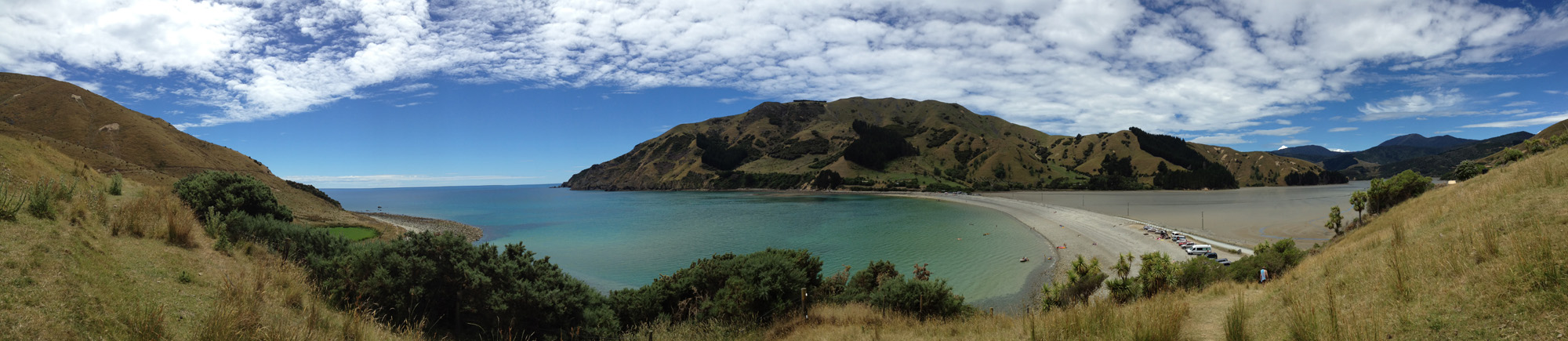
Kaiteriteri Beach, New Zealand
 Kuto Bay, New Caledonia
 Coeur de Voh mangroves, New Caledonia
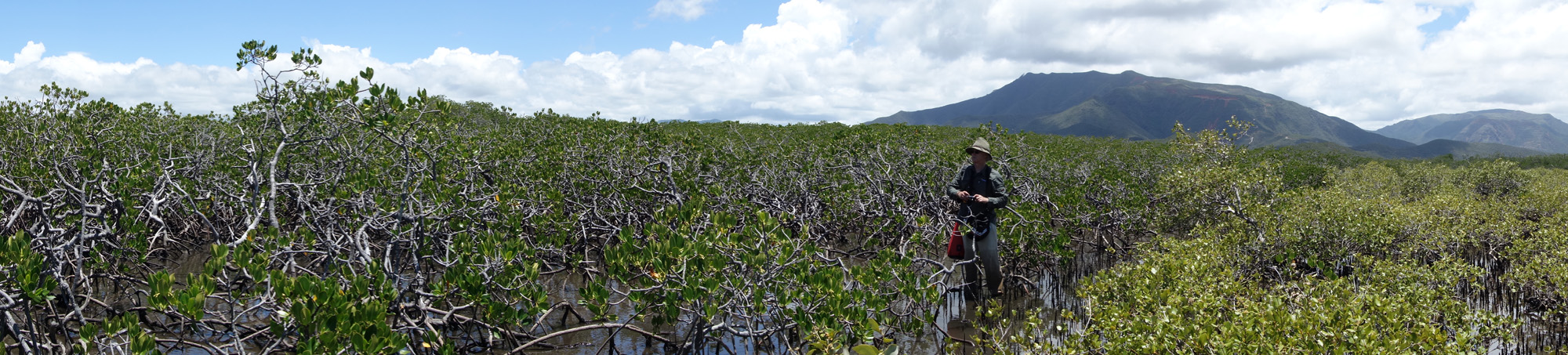 The iPhone panorama option works best with landscapes such as the ones shown above. But you can see that they produce something close to what the eye actually sees when looking at a landscape. My husband has a camera that also takes panorama images (he took the the fourth image of the mangrove forest with his Sony Cyber Shot), but we found that the iPhone panoramas (top three images) were much easier to capture and often looked better.
I then began to wonder if these panoramic images might be useful in a video. I imported one and discovered that this turns out to be an easy way to get a smooth pan of a landscape, something that would otherwise take a tripod and a steady hand to sweep the camera. See the video below to show how I “edited” a panorama image in iMovie to create a pseudo-pan.